Visitors leave forms for many ordinary reasons. They may be interrupted, unsure about one field, comparing options, or simply not ready to continue. An incomplete form does not always mean the visitor has lost interest.
Remove unnecessary friction first
Before adding follow-up automation, check the form itself. Use clear labels, avoid asking for information that is not needed immediately, and make the value of submitting obvious.
Use partial information responsibly
Follow-up should only occur when the visitor has already provided valid contact details and the required consent. Anonymous visitors cannot receive an email, and businesses should not attempt to identify them through unreliable methods.
Keep the reminder helpful
An abandoned-enquiry email should sound like assistance, not pressure. Remind the visitor what they were requesting, provide a simple way to continue, and make it easy to contact the business directly.
Choose a sensible delay
Sending too quickly may feel intrusive, while waiting too long may allow the customer to forget the offer. The right delay depends on the service. A quotation request may justify a faster reminder than a long-term consultation.
Avoid repeated messages
Cooldown controls matter. A visitor who refreshes the page several times should not receive several identical emails. The system should separate activity tracking from email frequency.
Give the team visibility
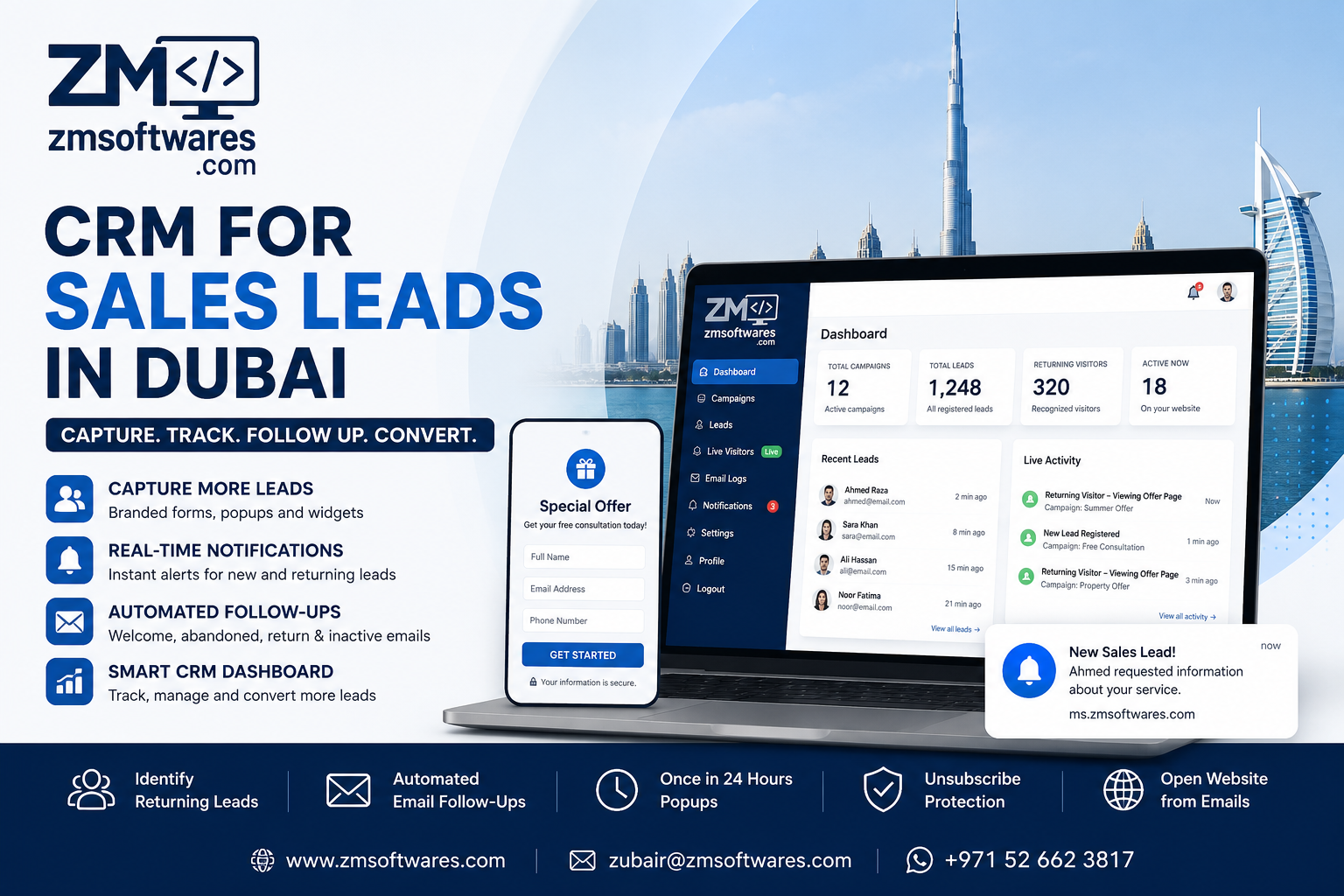
When a recognized lead returns, a dashboard or browser notification can be more useful than another automated email. It allows a human to decide whether direct contact is appropriate.
The best recovery process combines a simple form, valid consent, considerate timing, duplicate prevention, and fast human response when the customer becomes active again.